
How to Write a Resume That Beats ATS Systems in 2026 (Complete AI-Powered Guide)
75% of resumes get rejected by ATS software before a human ever sees them. Learn the exact formatting, keyword strategy, and AI tools that get your resume past the bots and into interviews in 2026.
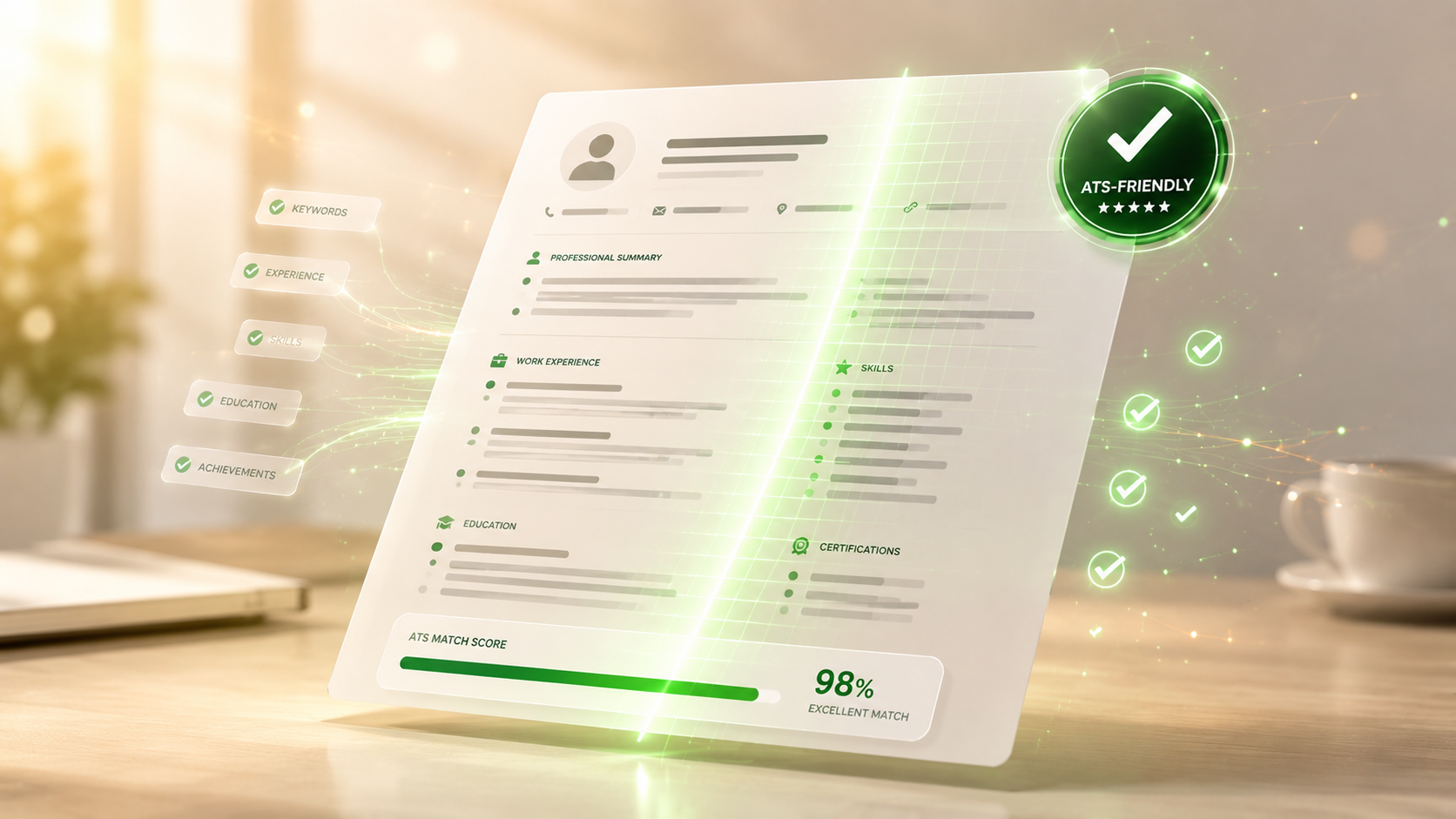
You spent four hours perfecting your resume. You triple-checked the formatting. You tailored it to the role. You hit submit at 11pm with a feeling of accomplishment.
Then silence.
No response. No interview. No rejection email. Just silence.
Here's the brutal truth that most job seekers never hear: 75% of resumes get rejected before a human ever sees them. The culprit isn't your qualifications. It's a piece of software called an ATS — Applicant Tracking System.
In 2026, beating the ATS is no longer optional. It's the entire game.
This guide breaks down exactly how ATS works in 2026, the mistakes that get qualified candidates rejected, and the AI-powered tools that get your resume past the bots and into interviews.
What Is an ATS and Why Should You Care?
An Applicant Tracking System (ATS) is software that companies use to screen job applications automatically. Platforms like Workday, Greenhouse, Lever, iCIMS, Taleo, and SmartRecruiters process millions of resumes every day across virtually every Fortune 500 company and 75% of mid-size businesses.
When you apply for a job online in 2026, your resume goes through this exact process:
The ATS parses your resume into structured data
It matches keywords against the job description
It scores your resume from 0-100 based on relevance
Only resumes scoring above a threshold (usually 70-80) get sent to a recruiter
The recruiter spends an average of 7 seconds reviewing each shortlisted resume
If your resume scores below the threshold, no human ever sees it. It doesn't matter how qualified you are. It doesn't matter how impressive your background is. The bot decided.
That's why brilliant candidates get rejected from jobs they're perfect for — and average candidates with optimized resumes get the interview.
The 7 Biggest ATS Killers (Most Resumes Have at Least 3)
After analyzing thousands of failed resumes, we've identified the seven mistakes that destroy ATS compatibility. Avoiding these is the difference between getting interviews and getting silence.
Killer 1: Images, Logos, and Profile Photos
ATS systems cannot parse images. Your professional headshot, company logos in your work experience, or any decorative graphics get completely ignored. If your name is embedded in an image header, the ATS doesn't even know who you are.
Killer 2: Multi-Column Layouts
That beautiful two-column resume design? It confuses the ATS parser. The system reads left-to-right, top-to-bottom. Multi-column layouts cause the parser to mix sections, jumble information, and miss key data entirely.
Killer 3: Fancy Fonts and Custom Graphics
Stick to standard fonts: Arial, Calibri, Helvetica, Times New Roman, or Georgia. Custom fonts often render as gibberish in ATS systems. Decorative graphics, icons, and infographics get stripped entirely.
Killer 4: PDF Resumes with Text Inside Images
Many designers create resumes in tools like Canva or Figma, then export as PDF. The resulting PDF often contains your text as part of the image, not as actual text. The ATS sees nothing.
Always export resumes with selectable text. Test by opening the PDF and trying to copy a paragraph. If you can't copy it, the ATS can't read it.
Killer 5: Tables and Text Boxes
Tables look organized to humans. They look like chaos to ATS systems. Important information inside tables often gets skipped entirely or parsed in the wrong order.
Killer 6: Headers and Footers with Critical Info
Many ATS systems completely ignore content in document headers and footers. Putting your contact information in a header is one of the most common and most damaging mistakes job seekers make.
Killer 7: Missing Keywords from the Job Description
This is the biggest killer of all. ATS systems score your resume based on how well it matches the job description's keywords. If the job says "project management" and your resume says "managed projects" — the ATS doesn't see a match. Exact phrasing matters.
The 5 Sections Every ATS-Friendly Resume Needs
ATS systems are programmed to look for specific section headers and structures. Deviating from this format causes the parser to skip or mislabel your information.
Use these exact section titles:
1. Contact Information
At the very top of your resume, include:
Full name (large, clear, not in a header)
Phone number
Professional email address
City and state (full address not required in 2026)
LinkedIn profile URL
Portfolio or personal website (if relevant to the role)
Do NOT include: photo, age, marital status, nationality, or sensitive personal information.
2. Professional Summary
A 3-4 line summary directly below your contact info that highlights:
Your role/title (matching the job you're applying for)
Years of experience
2-3 key skills relevant to the role
One quantified achievement
Example: "Senior Product Marketing Manager with 8 years of experience launching SaaS products. Expert in growth strategy, customer research, and conversion optimization. Led product launches that generated $12M in first-year revenue."
3. Work Experience
Most recent first. For each role:
Job title (matching how the company would have listed it)
Company name
Location (city, state)
Dates of employment (month and year)
3-5 bullet points with quantified achievements
Use action verbs (Led, Built, Increased, Reduced, Launched) and include numbers wherever possible. "Increased conversion rate by 47%" beats "Improved conversion rates" every time.
4. Skills
A clear, scannable list of skills matching the job description. Include:
Hard skills (specific tools, technologies, methodologies)
Soft skills (only if explicitly mentioned in the job description)
Certifications
Languages spoken (if relevant)
Don't bury skills in your work experience and skip the skills section. ATS systems weight this section heavily.
5. Education
Keep this simple:
Degree earned
Institution name
Graduation year (or expected graduation)
Relevant honors or coursework (only if recent graduate or directly relevant)
Anything else projects, volunteer work, certifications, awards should be a subsection under one of these five main sections.
How to Optimize Resume Keywords for ATS in 2026
Keywords are the entire ATS game. Here's the proven process that works in 2026:
Step 1: Read the Job Description Three Times
Most candidates read the job description once, skim the requirements, and start writing. Successful candidates read it three times once for overall fit, once to identify required skills, once to find the exact keywords used.
Step 2: Highlight Every Skill, Tool, and Qualification
Pull out:
Specific software, tools, platforms mentioned
Technical skills required
Certifications listed
Years of experience requirements
Industry-specific terminology
Soft skills emphasized
Make a list. The job description is literally telling you what keywords to use.
Step 3: Identify the Top 15-20 Keywords
Not every keyword is equally important. Prioritize:
Skills mentioned in the job title
Skills mentioned multiple times throughout the description
Skills listed in the "required" section
Industry-standard certifications
Step 4: Integrate Keywords Naturally Throughout Your Resume
Don't keyword-stuff. Modern ATS systems penalize obvious keyword stuffing. Instead:
Use exact keywords in your skills section
Naturally weave them into your professional summary
Reference them in relevant bullet points under work experience
Match the exact phrasing (don't change "project management" to "managing projects")
Step 5: Use Exact Phrasing
ATS systems don't understand synonyms well. If the job description says "Python," don't write "Python programming language." If it says "B2B SaaS," don't write "business-to-business software-as-a-service." Match exactly.
Why AI Resume Builders Outperform Templates in 2026
Most resume templates are designed to LOOK good not to PASS ATS. They include the exact elements that get resumes rejected: graphics, multi-column layouts, fancy fonts, and decorative tables.
AI-powered resume builders solve this problem at scale.
Fancy Digitals' AI Resume Builder does what generic templates can't:
Generates ATS-Friendly Resumes for 50+ Professional Roles
From software engineers to marketing managers to nurses to teachers the AI knows the keywords, formatting conventions, and content patterns that work for each specific role.
Auto-Tailors to Specific Job Descriptions
Paste in the job description you're applying for. The AI rewrites your resume to match the specific keywords, requirements, and phrasing the ATS will be looking for. Each application gets a custom resume in seconds.
Pulls in the Exact Keywords ATS Looks For
The AI analyzes the job description, identifies the most important keywords, and integrates them naturally throughout your resume. No keyword stuffing just smart optimization.
Formats Correctly for Major ATS Platforms
The AI generates resumes formatted to work flawlessly with Workday, Greenhouse, Lever, iCIMS, Taleo, SmartRecruiters, and other major ATS platforms used by Fortune 500 and mid-size companies worldwide.
Inline Editing for Fine-Tuning (Pro Plan)
Want to tweak a specific bullet point or rephrase your summary? Pro users get full inline editing with AI assistance. Make every word count without breaking ATS compatibility.
[H3] Cover Letter Generator Paired Automatically
Need a cover letter to match? The AI Cover Letter Generator takes the same job description plus your background and produces a tailored letter in 30 seconds.
[H3] Free to Use, No Credit Card Required
You can build, edit, and download your first resume completely free. Test it with real job applications before committing to anything.
The Cover Letter Question: Do They Still Matter in 2026?
The honest answer: yes, but less than they used to.
In 2026, cover letters matter most when:
Applying directly to a hiring manager (not through a portal)
Submitting to small or mid-size companies
Targeting senior or executive roles
Switching industries or careers
Applying through your network or referrals
Cover letters matter less when:
Applying through a corporate ATS portal
Targeting entry-level positions
The application doesn't request one explicitly
When you do need one, generic cover letters get ignored. The 5% that actually get read have three qualities:
1. They're Personal
Address a specific person (research who's hiring through LinkedIn). Reference something specific about the company, recent news, or their work.
2. They're Specific
Show you read the job description carefully. Address the top 2-3 requirements directly with specific examples from your experience.
3. They Show You Understand the Role
Don't recite your resume. Explain why this specific role excites you, why you're uniquely positioned for it, and what you'll bring in your first 90 days.
Fancy Digitals' AI Cover Letter Generator handles all three. Drop in the job description and your background, choose a tone (formal, conversational, or ambitious), and get a tailored letter in 30 seconds.
Common Resume Mistakes That Even Smart Candidates Make
Beyond ATS killers, these mistakes hurt your chances even when your resume passes the bot scan:
Mistake 1: Generic Professional Summaries
"Hardworking professional seeking new opportunities" tells the recruiter nothing. Your summary should be a 30-second pitch tailored to the specific role.
Mistake 2: Listing Job Duties Instead of Achievements
Don't list what you were responsible for. List what you accomplished. "Managed a team of 5" is weak. "Led a team of 5 that delivered 12 product launches, generating $4.2M in revenue" is strong.
Mistake 3: No Quantification
Numbers stand out in 7-second reviews. Every bullet point should include a number where possible: dollar amounts, percentages, team sizes, time saved, customers served.
Mistake 4: Outdated Information
If you're applying for senior roles, don't include your high school job from 2008. Focus on the last 10-15 years of relevant experience.
Mistake 5: Wrong Tone for the Role
A startup wants energy and adaptability. A bank wants stability and precision. A creative agency wants personality and craft. Match your tone to the company culture.
Mistake 6: Generic Email Addresses
partyboy420@email.com isn't going to get you interviews. Use a professional email format: firstname.lastname@email.com or similar.
Mistake 7: One Resume for Every Application
The biggest mistake of all. Customizing your resume for each application takes time. AI resume builders eliminate this excuse entirely what used to take an hour now takes 60 seconds.
What to Do After You Submit Your Application
Submitting is just the start. Here's what separates candidates who get interviews from those who get silence:
1. Connect with the Hiring Manager on LinkedIn
Within 24 hours of submitting, send a connection request to the hiring manager. Include a brief message: "Hi [Name], I just applied for the [Role] position at [Company]. I'm excited about the opportunity and would love to connect."
2. Reach Out to Current Employees
Find 2-3 current employees in adjacent roles. Send brief, genuine messages asking about their experience. This signals serious interest and sometimes leads to internal referrals.
3. Follow Up After 7 Days
If you haven't heard back in a week, send a polite follow-up email to the hiring manager. Keep it brief, restate your interest, and mention 1-2 specific reasons you're a strong fit.
4. Track Every Application
Use a simple spreadsheet or tool to track:
Company name
Role applied for
Application date
Follow-up dates
Status
You can't follow up effectively without tracking.
The Bottom Line: AI Levels the Playing Field
The job market in 2026 is brutal. Layoffs continue across tech, finance, and media. AI is reshaping entire industries. Competition for every role has never been higher.
But here's the good news: AI tools have leveled the playing field.
You no longer need to hire a $300 resume writer. You don't need to spend 5 hours customizing each application. You don't need to guess what ATS systems want — you can use AI built specifically to beat them.
The candidates getting interviews in 2026 aren't necessarily the most qualified. They're the ones using AI to do what HR teams need: present the right keywords, in the right format, tailored to each specific role.
Try the free AI Resume Builder. Drop in your background. Add the job description. Get an ATS-optimized resume in 60 seconds.
Then pair it with the AI Cover Letter Generator for tailored cover letters in 30 seconds.
Stop fighting ATS systems alone. Use AI to beat them.
Bashir Ismail
Founder
Founder of Fancy Digitals. Building AI-powered tools and digital experiences for small businesses worldwide.
Related Articles

Recommended for You
Build a Landing Page in 60 Seconds
AI generates 9 sections, 6 tones, 5 languages — no code needed.
Free AI Resume Builder
Land your dream job. Build an ATS-friendly resume in minutes.
Is Your Site AI-Ready?
Get a free AI Visibility Score. See how ChatGPT sees your business.
Get Growth Insights
Weekly AI marketing tips for founders. No spam.